
Call us now :08045814037
 Send Inquiry
Modbus Data Logger
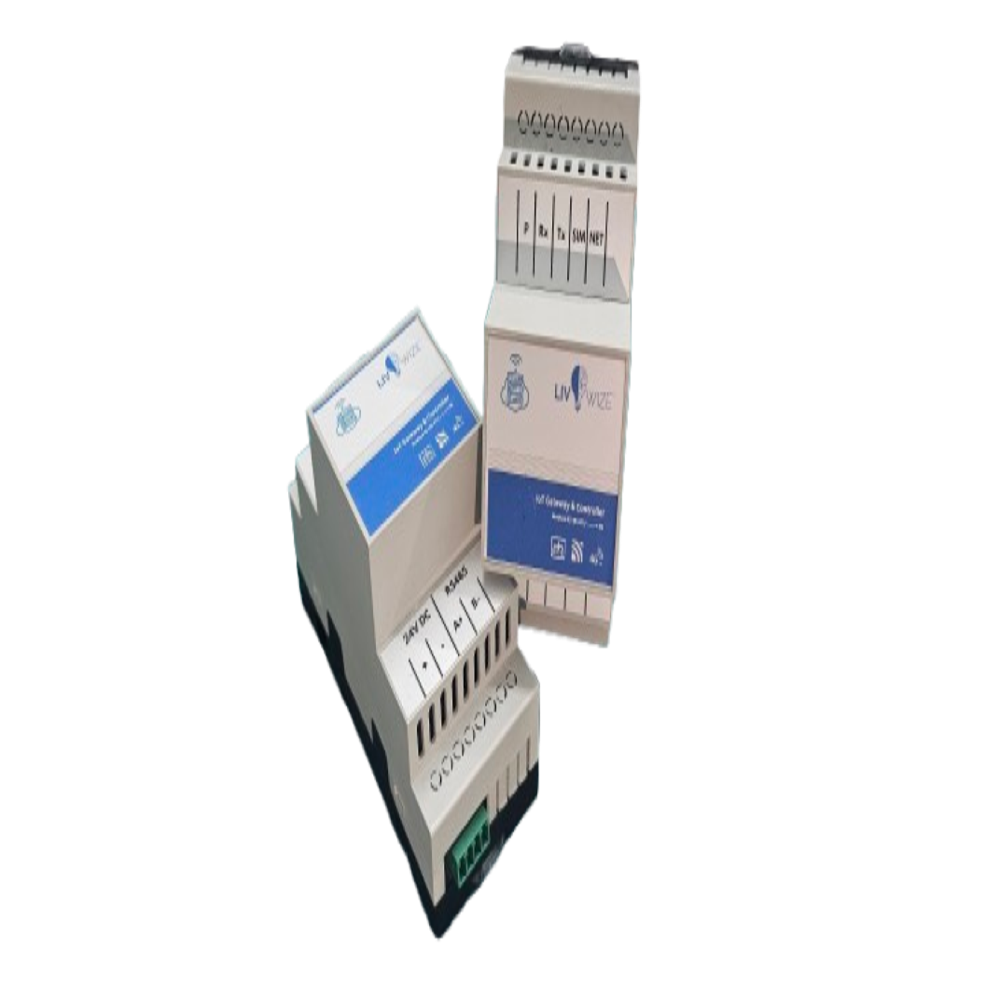
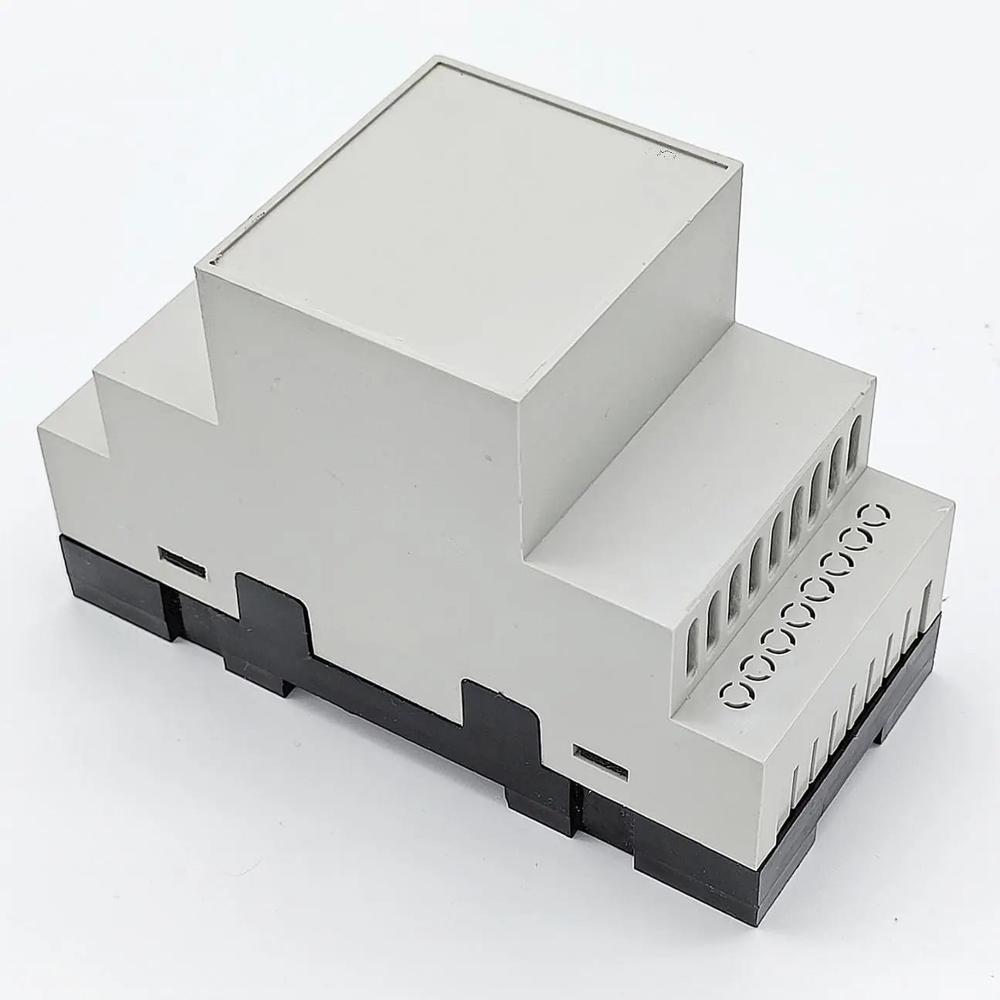

Modbus Data Logger Specification
- Color
- White
- Application
- Industrial
- Product Type
- Data Logger
- Usage
- Industrial
- Type
- Portable Data Logger
- Size
- Standard
- Interface
- USB, Mini USB
Modbus Data Logger Trade Information
- Minimum Order Quantity
- 5 Pieces
- Supply Ability
- 500 Pieces Per Month
- Delivery Time
- 6 Days
- Sample Available
- No
- Sample Policy
- Contact us for information regarding our sample policy
About Modbus Data Logger
Industrial Data Logger and Cloud based IoT System- Din Rail Mounting
- Modbus RS-485 RTU - 2 Wire
- Cloud Connectivity
- Remote - Configuration option
- 4G-LTE Cat 1 connectivity
- M2M SIM Interface supported
Robust Industrial Data Monitoring
Our Modbus Data Logger is engineered for comprehensive data recording in harsh industrial settings. Its portable design and standard size ensure that it fits seamlessly into most industrial workflows. The device's white color adds visibility and its robust build provides durability in demanding environments.
Simple Connectivity and Data Transfer
With both USB and mini USB interfaces, the Modbus Data Logger offers flexible and straightforward connection options. Transferring data from your industrial equipment to computers or other devices is hassle-free, supporting efficient data analysis and reporting needs.
FAQ's of Modbus Data Logger:
Q: How is the Modbus Data Logger used in industrial applications?
A: The Modbus Data Logger is utilized for capturing, recording, and transferring Modbus communication data from industrial equipment. Its portable design allows operators to easily connect it to machines or systems via USB or mini USB, gather essential data, and move it to a computer for analysis.Q: What are the benefits of using a portable data logger over traditional data recording methods?
A: Using a portable data logger like this reduces setup time, enhances mobility, and allows for more flexible data collection from multiple sites. It ensures data accuracy, streamlines monitoring, and facilitates faster troubleshooting and decision-making in industrial operations.Q: When should I consider deploying a Modbus Data Logger in my facility?
A: It is best to deploy a Modbus Data Logger when there is a need for real-time or periodic data capture from Modbus-compatible equipment, especially during diagnostics, performance monitoring, or compliance reporting tasks in industrial environments.Q: Where can I purchase or source this product in India?
A: The Modbus Data Logger is widely available in India through authorized distributors, importers, manufacturers, suppliers, and traders. Contact local industrial equipment dealers or search for verified suppliers online for purchasing options.Q: What is the process for transferring data from the logger to my computer?
A: After collecting data, connect the logger to your computer using either the USB or mini USB interface. Then, simply transfer the recorded data files onto your computer for further processing, analysis, or archiving.Q: How does the white color of the data logger benefit industrial users?
A: The white color provides increased visibility in industrial settings, helping operators quickly locate the device among machinery and components, thereby improving efficiency and reducing misplacement risks.Tell us about your requirement

Price:
Quantity
Select Unit
- 50
- 100
- 200
- 250
- 500
- 1000+
Additional detail
Mobile number
Email


 Send Inquiry
Our Products


C-212, 1st Floor, Sec-10,Noida - 201301, Uttar Pradesh, India

Mr Nikhil Gupta
(Co Founder)
Mobile :08045814037
 Send Inquiry
Developed and Managed by Infocom Network Private Limited.


 English
 Spanish
 French
 German
 Italian
 Chinese (Simplified)
 Japanese
 Korean
 Arabic
 Portuguese